Free
Personal projects & first steps
$0/ mo
- 1 site
- 5,000 sessions / mo
- 1 concurrent A/B test

Powerful yet affordable. One tag to start today, and AI suggests the improvements for you. No code needed — power users automate further with Claude Code (MCP/CLI).
Integrations
 Claude Code
 Codex
Codex claude.ai
 WordPress
 Wix
Wix STUDIO
 Shopify
 BASE
BASE Google Tag Manager
 Google Analytics
 Microsoft Clarity
Traffic and bounce rates tell you what happened — not where to fix it, or how.
Where do visitors actually look and click? Numbers alone will never show you.
Without a way to compare, you're left guessing whether a change helped or hurt.
PRODUCT / See it in action
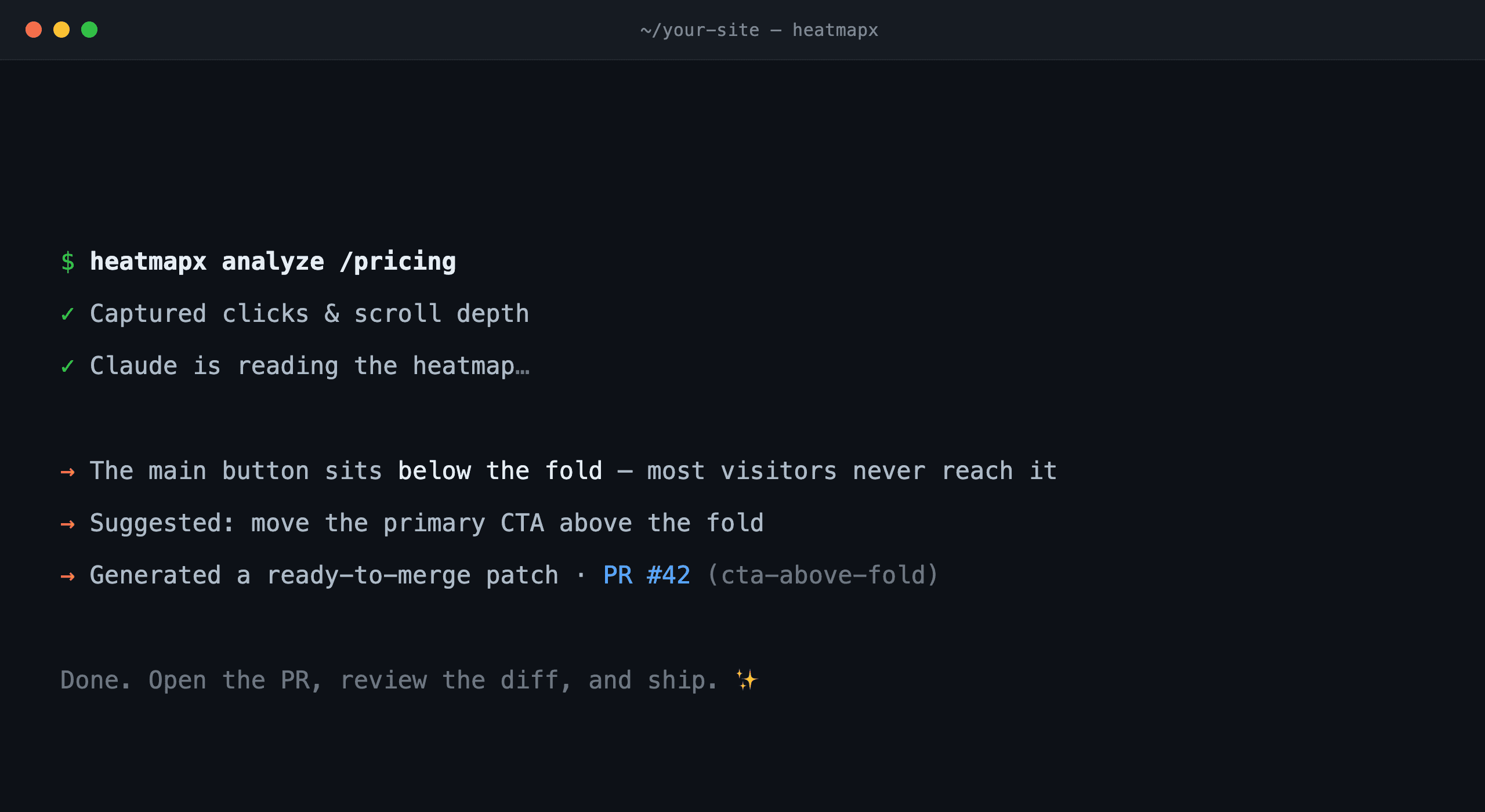
A heatmap turns clicks and scrolls into color. See at a glance how your site is really used.
See where visitors look and click, in color — the truth the numbers alone never show.
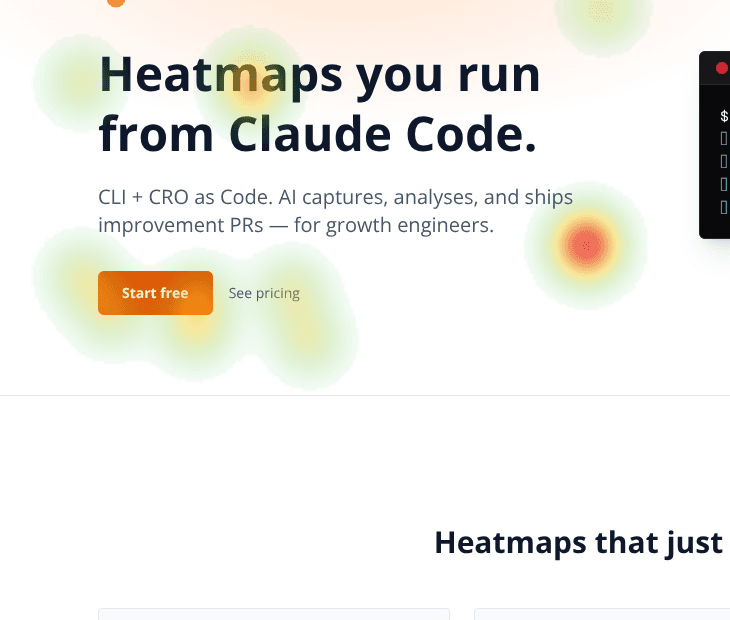
Decide with numbers, not gut feel. Ship two versions and let the winner prove itself.
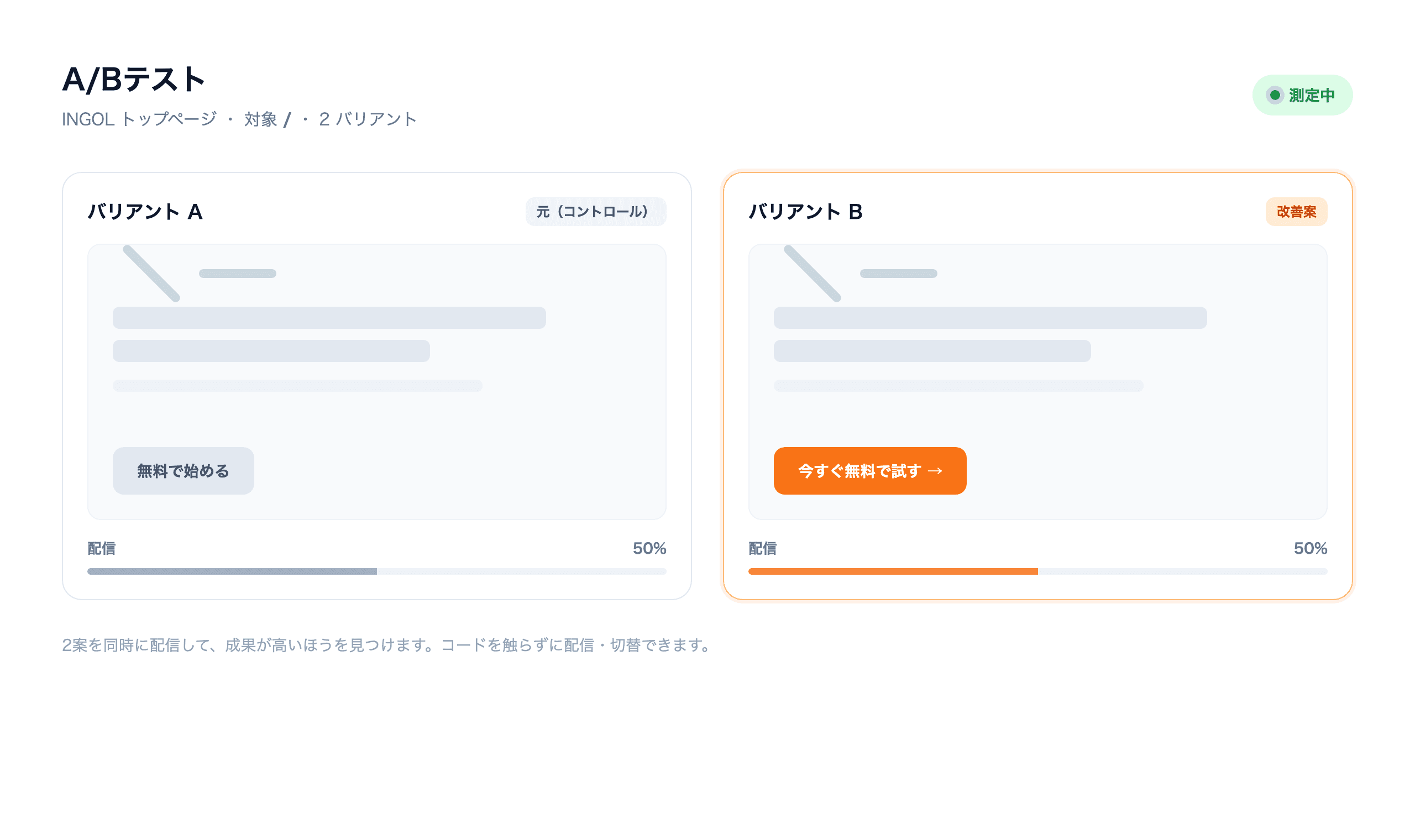
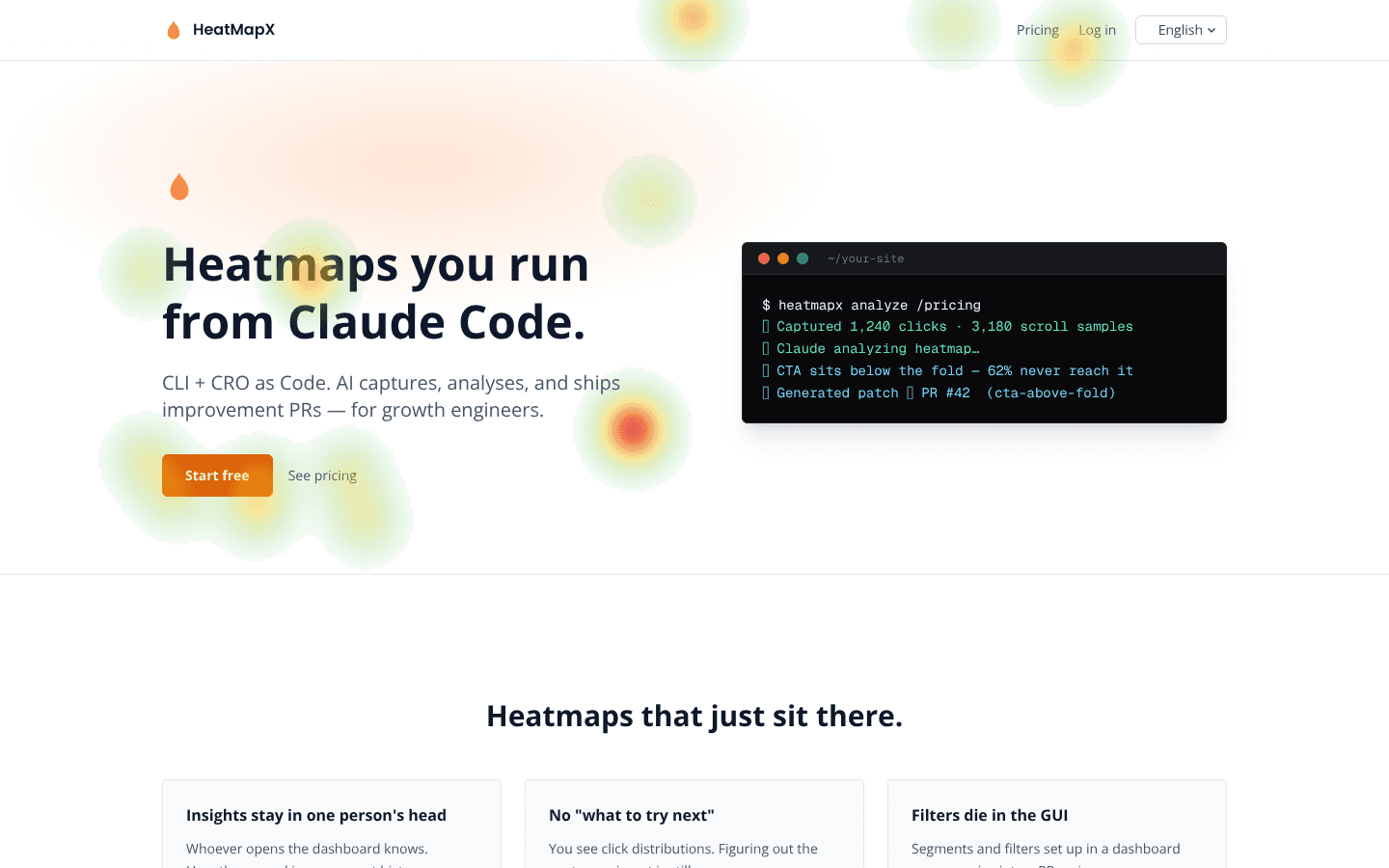
The CLI and MCP server hand your measurement data straight to your AI. Connect Claude Code — or whichever AI you use — and go from analysis to fixes without leaving the conversation.
A/B testing
Don’t rewrite on a hunch. Show two variants to real visitors and pick the winner by the numbers — that’s A/B testing.
Prepare two versions of a headline or button — no code changes needed.
Each visitor sees one variant. Clicks and sign-ups are tallied for you.
See at a glance which one performs better, then ship the winner.
How it works
No complicated setup. Paste the tag, look, and test.
Add one line to your site. No SDK, no complex configuration.
See where visitors actually look and click, on a heatmap.
Ship your improvement ideas as A/B tests and verify the impact in numbers.
Integrations
From AI agents (MCP support — connect from claude.ai, Claude Desktop or Claude Code) or your site builder — paste a single line of tag and start right where you are.
Claude CodeCodexclaude.aiWordPressWixSTUDIOShopifyBASEGoogle Tag ManagerGoogle AnalyticsMicrosoft ClarityWhy HeatMapX
You don’t need one subscription for heatmaps and another for A/B testing. HeatMapX bundles both behind a single tag — from $12/mo. Your data connects straight to your AI via CLI and MCP.
| Capability | HeatMapX | Heatmap-only tools | A/B-testing-only tools |
|---|---|---|---|
| Heatmaps | — | ||
| A/B testing (no-code delivery) | — | ||
| Automatic winner tracking | — | ||
| CLI / MCP data access for your AI (Claude Code / claude.ai) | — | — | |
| Claude Code skill / agent integration | — | — | |
| Ready-to-merge PR output | — | — | |
| 1-line tracker install | |||
| Setup guides (WordPress / Shopify / STUDIO) | — | — | |
| Free tier | ✓ 1 site | — | |
| Paid plan starts at | $12 / mo | $80 / mo | $300+ / mo |
| Public API | Roadmap | — | — |
| Dynamic UI | Roadmap | — | — |
* Third-party info is an example of public pricing as of July 2026.
Pricing
Start free, scale as you grow. Save ~20% with yearly billing.
Personal projects & first steps
Small sites & indie e-commerce
Marketers & growth teams
Experimentation teams & agencies
Large-scale & custom needs
Referral
Have an invite code? Just enter it on your dashboard after signing up, and your first month of a paid monthly plan is free. The person who invited you earns a one-month credit too.
Enter the code on your dashboard (not at checkout), within 7 days of signing up.
No credit card required. Paste one line and your heatmap is ready in minutes — and A/B testing starts right there too.